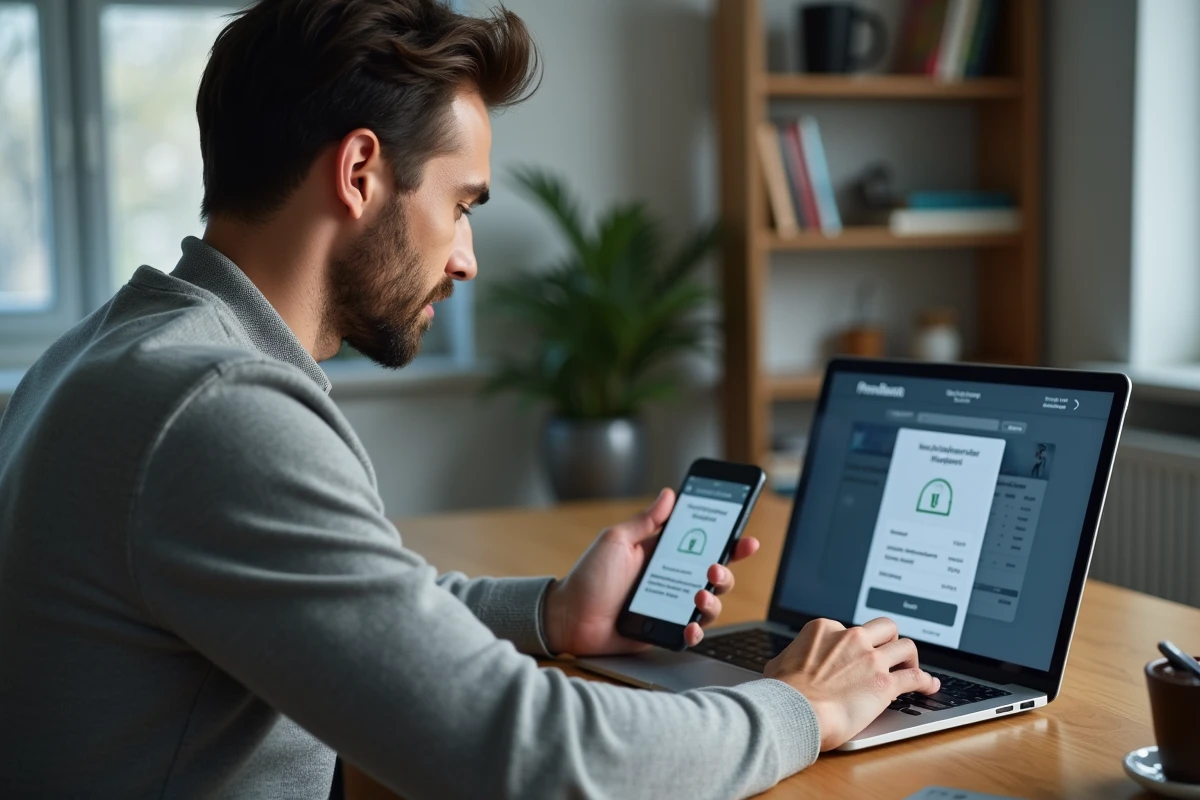
Linking a Free Mobile plan to a Freebox allows you to benefit from a monthly discount on your mobile bill. The operation can be done from the online subscriber area in just a few minutes, provided that certain technical prerequisites, often misunderstood, are met.
Technical checks before linking a Free Mobile plan
Before any manipulation, the holder of the mobile line and the holder of the Freebox subscription must be the same person or be part of the same household via the Free Family system. The linking only works if the Freebox subscription is active and not in the cancellation period.
A neglected point: the postal address declared on the mobile account must match that of the Freebox. Subscribers report on community forums that they lost their discount after a poorly synchronized move between the two subscriber areas. Checking this consistency before starting the procedure avoids a silent refusal from the system.
The possibility of linking a Free Mobile plan to a Freebox applies to both low-cost plans and plans with generous data allowances, but the discount applied varies according to the type of plan subscribed.
Linking Free Mobile from the subscriber area: concrete procedure
The process is done exclusively from the Free Mobile subscriber area (not the Freebox one). Here are the concrete steps:
- Log in to the mobile subscriber area with the credentials of the line to be linked, then access the “My Information” or “Offer and Options” section.
- Look for the section dedicated to Freebox or Free Family linking, then enter the Freebox landline number or the internet subscription ID.
- Validate the request: a confirmation message will appear, and the discount will appear on the next bill, not on the current one.

If the mobile account is a secondary account (child line or spouse linked to a main Free Mobile account), the multi-line linking must be managed from this main account. The linking interface does not appear on the secondary accounts themselves.
Free multi-line: linking multiple mobile plans to a single Freebox
Free allows linking of up to four mobile plans to the same Freebox subscription. The first line links directly from the mobile subscriber area. For subsequent lines, the procedure goes through the multi-line management of the main account.
The frequent confusion arises from the distinction between two concepts. The Freebox linking connects a mobile line to an internet subscription to obtain the price discount. Multi-line linking, on the other hand, groups several Free Mobile lines under the same main account to centralize billing and management.
To link a second, third, or fourth line, the holder of the main account must go to the multi-line section of their mobile subscriber area. They enter the number of the line to be added, then the holder of that line receives a validation code via SMS to confirm the linking.
Case of low-cost plans
Lines subscribed to the cheapest plan also benefit from linking, but the discount applied is proportionally lower. Linking remains relevant for centralizing management, even if the individual financial gain is modest.
Loss of discount after Freebox migration: a documented trap
Subscribers who have migrated from one Freebox offer to another (for example, from Revolution to Pop, or to Delta) report on Freenews and routeur4g.fr forums that the mobile discount temporarily disappears after migration. The linking is not always retained when changing the internet offer.
The solution, confirmed by these experiences, is to manually redo the linking operation from the mobile subscriber area once the Freebox migration is effective. Wait for the new offer to be fully activated (usually a few days after migration) before restarting the procedure.
This problem also affects subscribers who change the holder on their Freebox. A transfer of the landline to another name breaks the link with the linked mobile plans. Each affected mobile line must be linked again to the new subscription.
Check that the discount is active
On the monthly mobile bill, a dedicated line indicates “Freebox Discount” or “Freebox Advantage” with the deducted amount. If this line does not appear the month following the linking, the connection between the two subscriptions has not been taken into account. You must then repeat the procedure or contact Free support.
The Free Mobile-Freebox linking does not require any visit to a store or phone call. The entire procedure remains accessible online. The only delay to consider is the effect on the next billing date, which may give the impression that the operation has failed when it is simply pending.