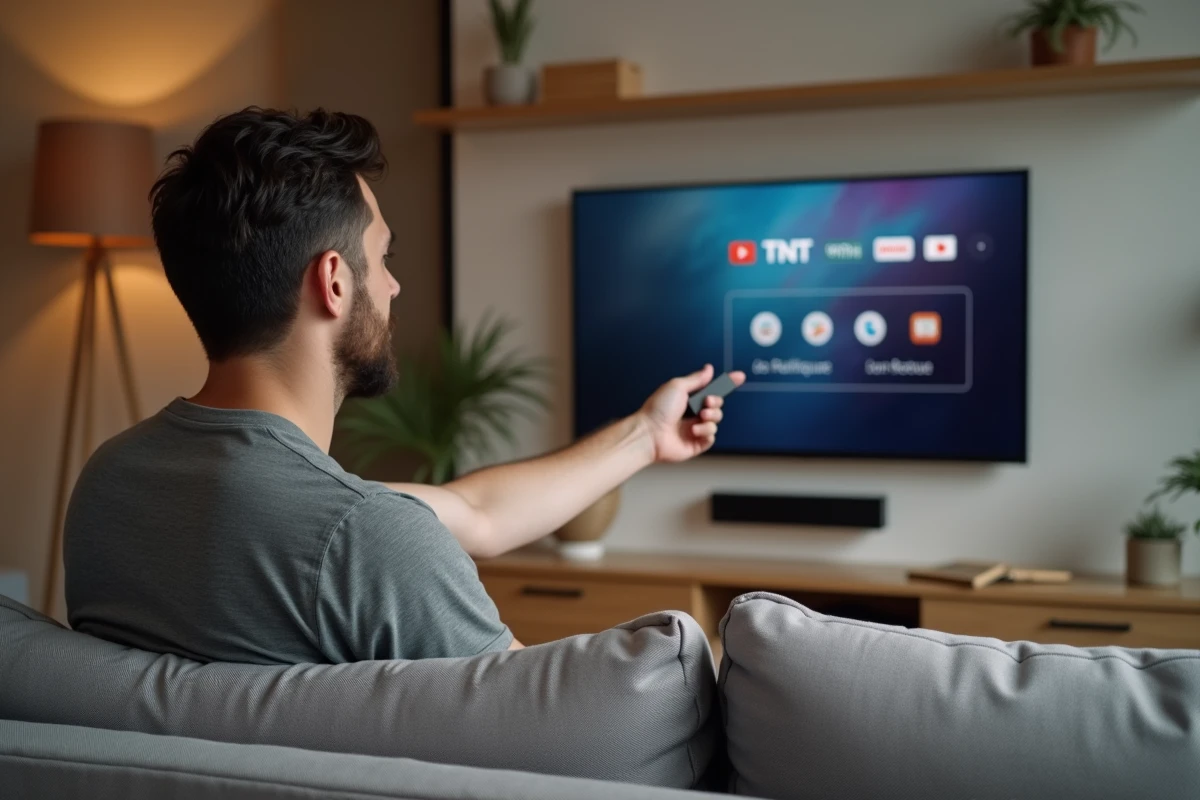
The Xiaomi Mi TV Stick transforms a traditional television into a smart TV capable of streaming TNT channels via the internet. However, with its 8 GB of internal storage, managing applications and family profiles quickly becomes a real issue that most guides overlook.
Limited Storage of the Mi TV Stick: The Real Barrier for Family TNT
The Mi TV Stick comes with 8 GB of internal memory. Once the Android TV system is installed, only a fraction of that space remains for applications. Molotov, replays, an alternative launcher: three or four apps are enough to saturate the storage.
Do you have multiple profiles in your household, each with its own channel preferences and favorites? Each Google TV profile generates cached data that accumulates. On such a compact device, this results in slowdowns and insufficient space messages after a few weeks of use.
To bypass this limit without changing devices, an OTG USB stick or a compatible USB hub allows you to access TV channels with the Mi TV Stick thanks to Geekosys while offloading the app cache to external storage. Opt for a compact USB 3.0 stick, connected via a micro-USB to USB-A adapter. The total cost remains under a few euros for a second-hand option.
Moving Apps to External Storage
In the Android TV settings, enable adoptable storage. This option merges the USB stick with the internal memory. Applications like Molotov or France.tv will then install directly on the external storage.
Remove the USB stick and the moved apps become inaccessible. This is the only constraint. The stick must remain plugged in at all times. Choose a compact model to avoid cluttering the back of the television.
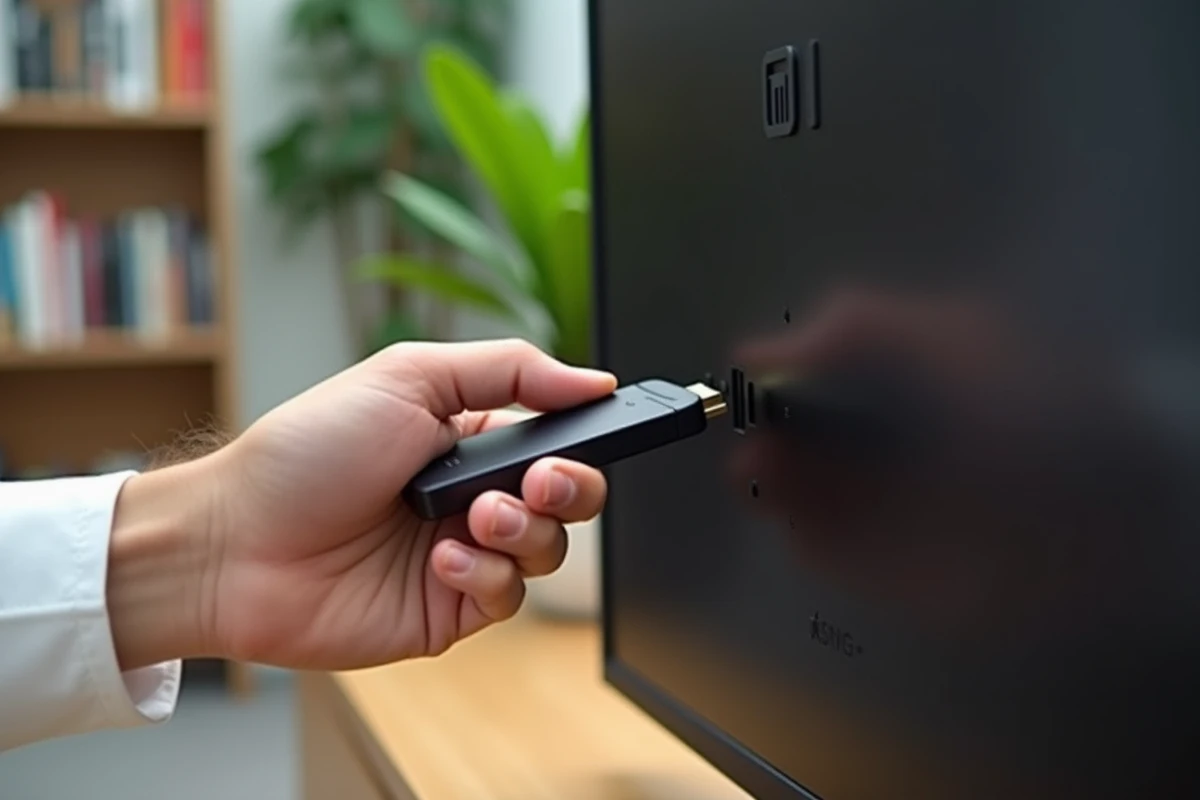
Setting Up Molotov to Receive TNT Channels on Mi TV Stick
Molotov remains the most straightforward app to access free TNT channels via the internet. It requires neither an antenna nor a coaxial cable. A stable Wi-Fi connection is sufficient.
Installation from the Google Play Store
From the Mi TV Stick home screen, open the Play Store. Search for “Molotov” and start the installation. The app is lightweight, but its cache grows with use.
- Create a free account directly from the app or use an existing account
- Select your favorite channels to customize the Molotov home screen
- Enable data-saving mode if your connection drops below 10 Mbit/s
After the April 2026 Google TV 12 update, users report increased fluidity for TNT streaming on Molotov, with a more stable display in high resolution. However, some sporadic interruptions persist on Wi-Fi 6 compared to Wi-Fi 5, a paradox related to channel management on certain recent routers.
Why Prefer Wi-Fi 5 for Streaming TNT
Wi-Fi 6 promises higher speeds, but the Mi TV Stick manages Wi-Fi 5 (802.11ac) connections better. The reason is simple: its chipset does not fully exploit the features of Wi-Fi 6, leading to micro-cuts during live streaming.
If your internet box allows it, create a dedicated 5 GHz Wi-Fi network (ac standard) and connect the Mi TV Stick to it. A dedicated 5 GHz network reduces interference caused by other devices in the household.
Alternatives to Molotov for Watching TNT Without an Antenna
Molotov is not the only option. Other apps provide access to French TNT channels, each with its own features.
- France.tv: the official app of France Télévisions streams France 2, France 3, France 5, and regional channels live, with full access to replays
- MyCanal: for Canal+ subscribers, the app provides access to TNT channels and bouquet bonuses, with a smooth interface on Android TV
- TF1+: groups TF1 group channels live and on replay, free with ads
- Captvty: a third-party tool that works via sideloading (manual installation), useful if you want to record programs to watch offline
Installing these apps alongside Molotov consumes storage. This is precisely where the OTG USB stick becomes particularly useful for family use with multiple apps.
Internet Connection and TNT Streaming Quality on Android TV
The quality of the TNT stream primarily depends on your internet connection, not the Mi TV Stick itself. The device simply decodes and displays what it receives. A low bitrate produces a pixelated image and interruptions, regardless of the hardware connected to the television.
For comfortable viewing of live channels, ensure that the download speed remains consistently above a few megabits per second. A speed test from a smartphone connected to the same Wi-Fi network provides a good indication.
Resolving Frequent Interruptions
If the stream cuts out regularly, check two points before blaming the Mi TV Stick. The first: the distance between the device and the router. The second: the number of devices connected simultaneously to the same network.
Changing the Wi-Fi channel on your internet box often eliminates interference with neighboring networks. The operation takes less than a minute from the box’s administration interface.
Since March 2026, Arcom has strengthened its measures against illegal IPTV services streaming TNT. Public M3U lists available online are becoming scarce. Favoring official apps like Molotov or France.tv ensures stable and legal access to channels, without the risk of interruptions related to the removal of a pirate stream.
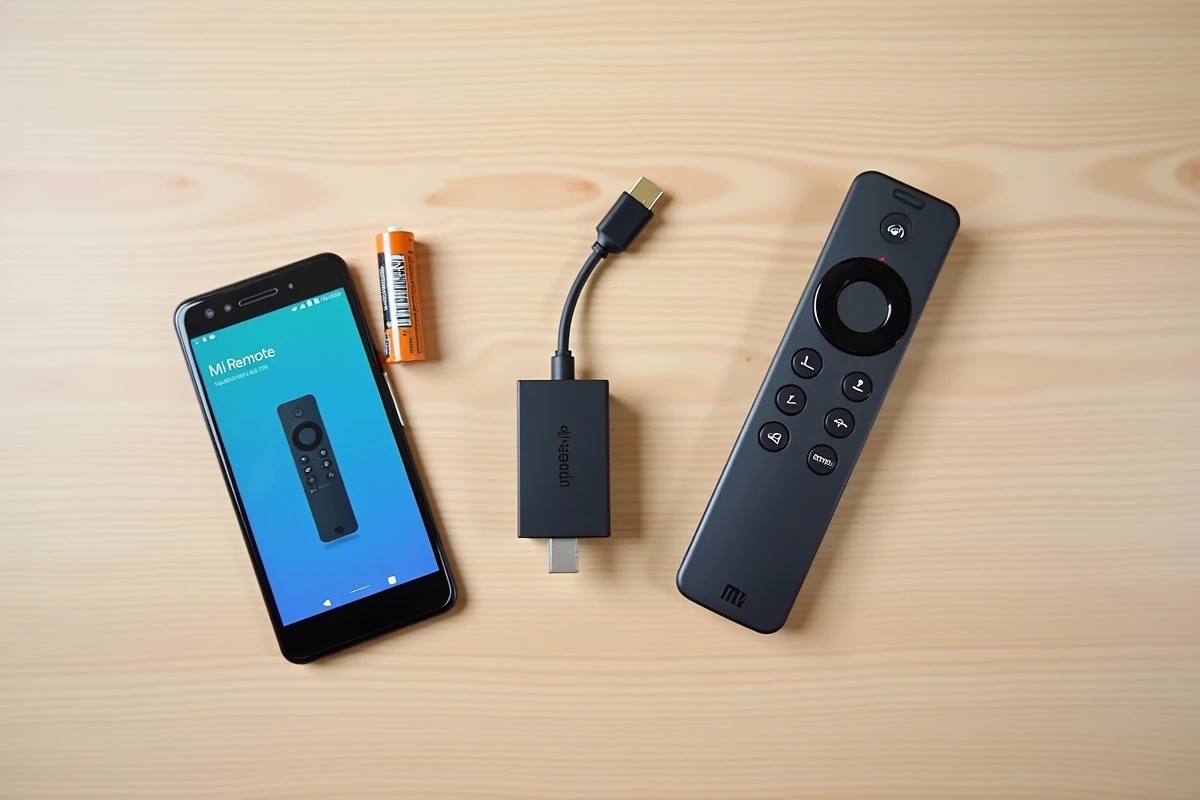
The Mi TV Stick remains one of the most compact and affordable ways to access TNT without an antenna. Its storage limit can be easily bypassed with a USB stick costing just a few euros. On the software side, combining Molotov with the official apps of audiovisual groups covers almost all free channels. The only truly limiting prerequisite remains the quality of your Wi-Fi connection.